
The short version
- PC players report that GeForce drivers 621.14 and 621.24 make an Nvidia background service write to the SSD constantly, even when the PC is doing nothing.
- Measured rates range from about 3GB an hour in Tom's Hardware's own test to 30GB an hour in one user's report.
- Nvidia hasn't acknowledged the bug or released a fix. Rolling back to driver 621.01 stops it.
- It comes a week after AMD fixed a similar SSD-writing bug in its Radeon drivers.
What's happening
Users on Nvidia's own forums, Reddit and Level1Techs have traced the writes to NVDisplay.Container.exe, the process behind the "NVIDIA Display Container LS" service. That service runs in the background on every GeForce PC, and the Nvidia Control Panel and Nvidia App both need it.
The problem is one log file: C:\ProgramData\NVIDIA Corporation\nvtopps\nct\nvlog.nvlgstg. Instead of adding new lines to the end, the service reportedly rewrites the whole file over and over. As the file grows, each rewrite gets bigger, so the writes keep climbing the longer the PC stays on.
Users say it started with 621.14 on November 4, a Game Ready driver for World of Warcraft: Forever and DLSS 5 in Hogwarts Legacy. The next driver, 621.24 on November 12, for Warhammer 40,000: Dawn of War IV and DLSS 5 in Where Winds Meet, reportedly still has it. Neither is a GTA 6 driver, since GTA 6 is console-only for now.
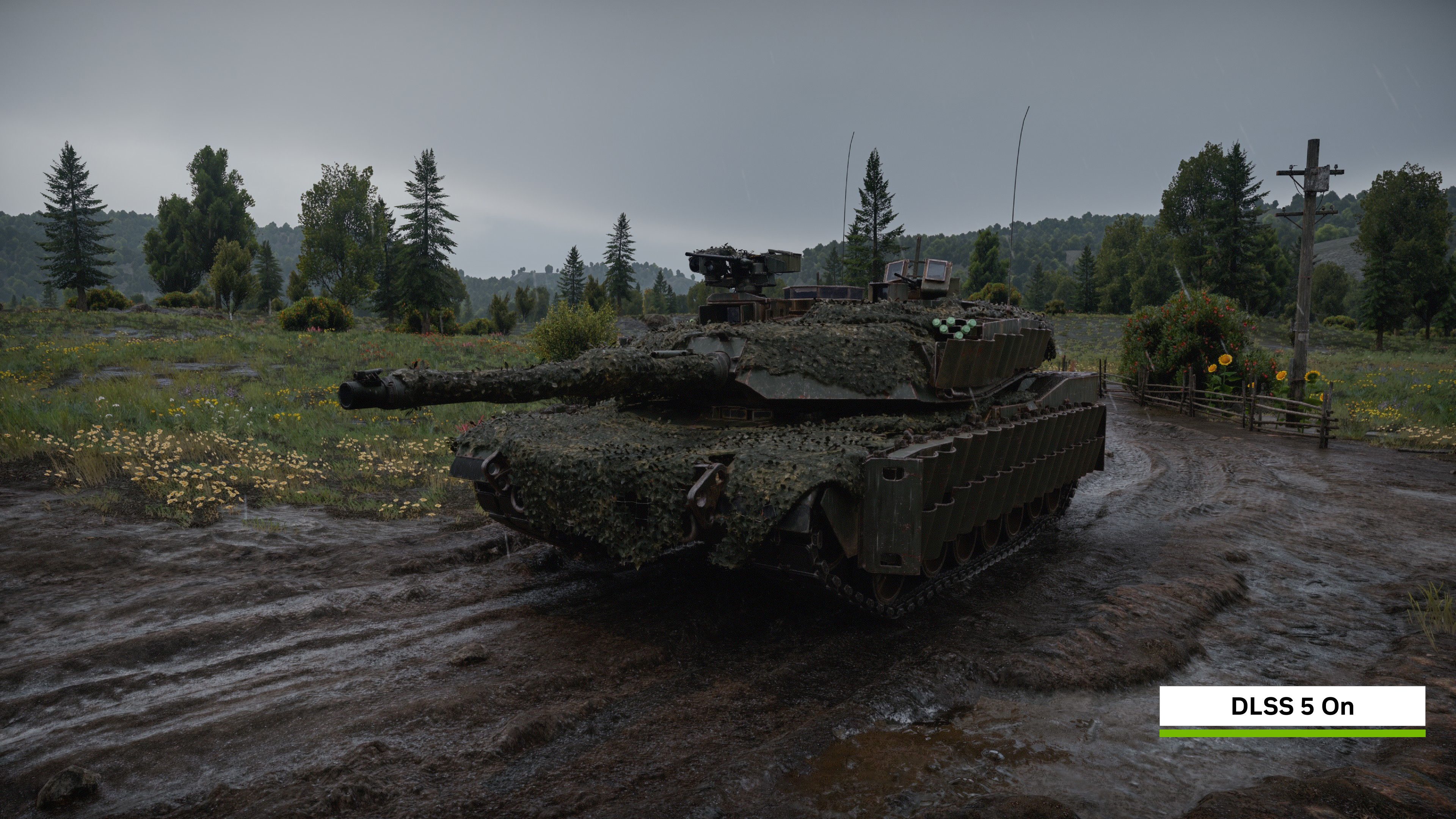
Image: Nvidia
How big are the numbers?
They vary a lot, and the biggest come from a single user.
| Source | Driver | Reported writes |
|---|---|---|
| Users (via Wccftech, MakeUseOf) | 621.01 | Under 2MB per 5 minutes at idle |
| Users (via Wccftech, MakeUseOf) | 621.14 | About 515MB per 5 minutes at idle, roughly 6GB an hour |
| Wccftech's own test (RTX 4090) | 621.14 or later | About 1.43MB a second, roughly 5.2GB an hour |
| Tom's Hardware's own test | 621.14 or later | 270MB actually written to the drive in 5 minutes, about 3GB an hour |
| One Nvidia forum user | 621.24 | Up to about 30GB an hour, 70GB+ over long sessions |
Tom's Hardware makes an important point: what a process reports as disk activity isn't always what reaches the flash. In its test, the service logged 515MB of input and output, but only 270MB was actually written to the C: drive. The 30GB-an-hour user also said each Alt+Tab added another 500MB to 1GB, and that turning off the Nvidia App's telemetry made no difference. Some users also report stutters in games and videos, which they blame on the same writes.
How much SSD life could it cost?
SSDs are rated for a total amount of writes, called TBW (terabytes written). A typical 1TB drive is rated around 600TBW. Our SSD endurance guide explains how that rating works.
Using the reported rates, here's the maths:
- Tom's Hardware's rate, always on: about 28TB a year, or roughly 5% of a 600TBW rating.
- 30GB an hour, 8 hours a day: about 88TB a year, roughly 15%.
- 30GB an hour, 24/7: about 263TB a year, roughly 44%, enough to use up the rating in a little over two years.
On paper, most gaming PCs fall at the lower end, and a TBW rating is a warranty figure rather than the point where a drive dies. But it's wear you get nothing for, on top of the 200GB+ installs that big games now need.
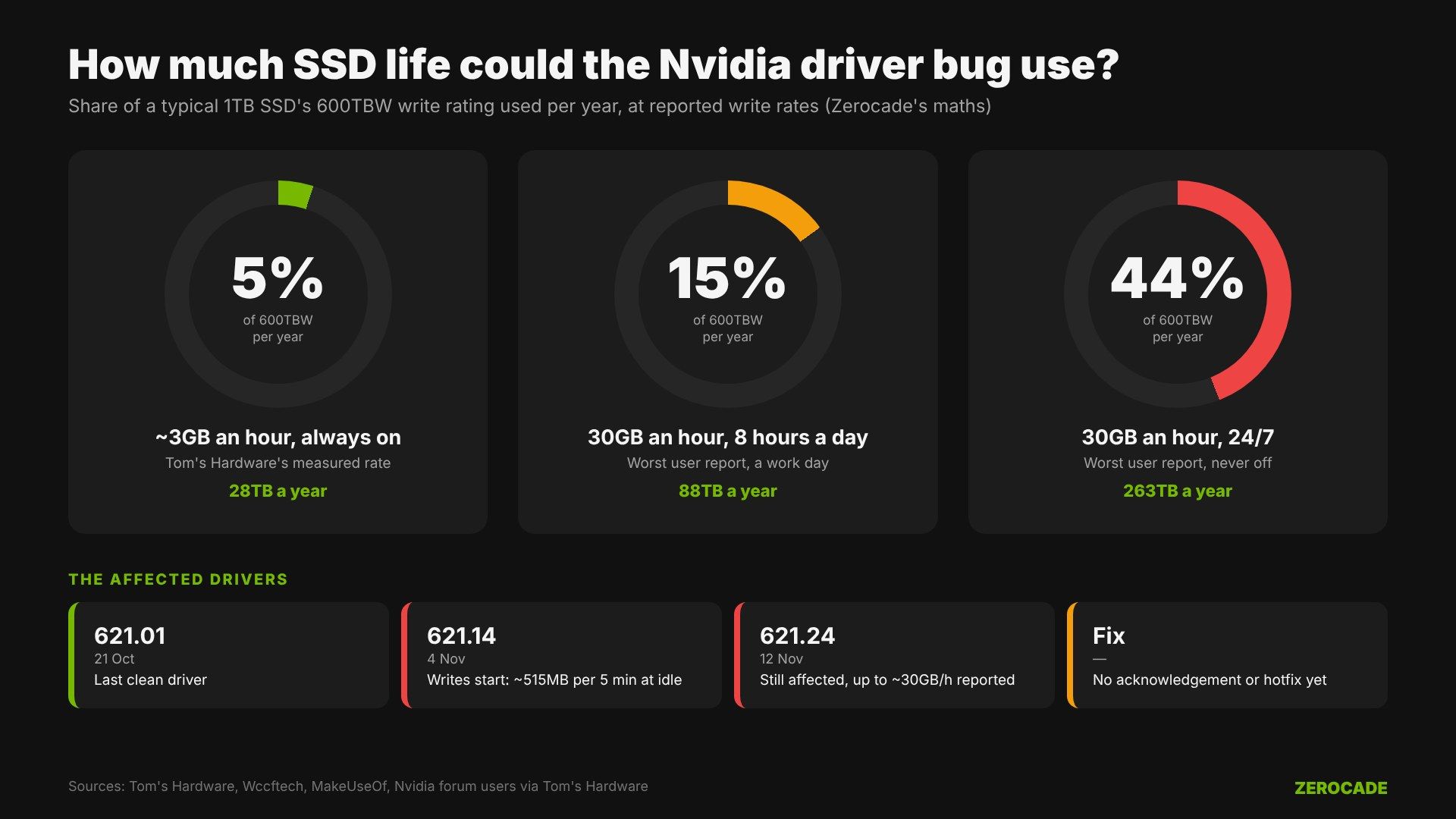
Image: Zerocade
How to check your PC
Users have measured it in two ways:
- Resource Monitor: press Windows + R, type
resmon, open the Disk tab and look for NVDisplay.Container.exe and writes tonvlog.nvlgstg. - CrystalDiskInfo: note the "Data Units Written" or "Host Writes" figure, leave the PC idle for an hour, and check how much it has grown. Tom's Hardware found this matched what Windows reported.
The workarounds
None is perfect until Nvidia releases a fix:
- Roll back to 621.01. A second user confirmed this stops the writes. You'll lose the newer Game Ready optimisations and DLSS 5 support in the games above.
- Clear the file: stop the NVIDIA Display Container LS service in Services, delete
nvlog.nvlgstg, and restart the service. The file comes back and grows again, so this only buys time. - Set the service to Manual rather than Automatic, as MakeUseOf suggests. Disabling it outright breaks the Nvidia Control Panel and App.
What doesn't reliably help: a clean reinstall with DDU (one user tried three times), uninstalling the Nvidia App, turning off telemetry, or turning off Highlights.
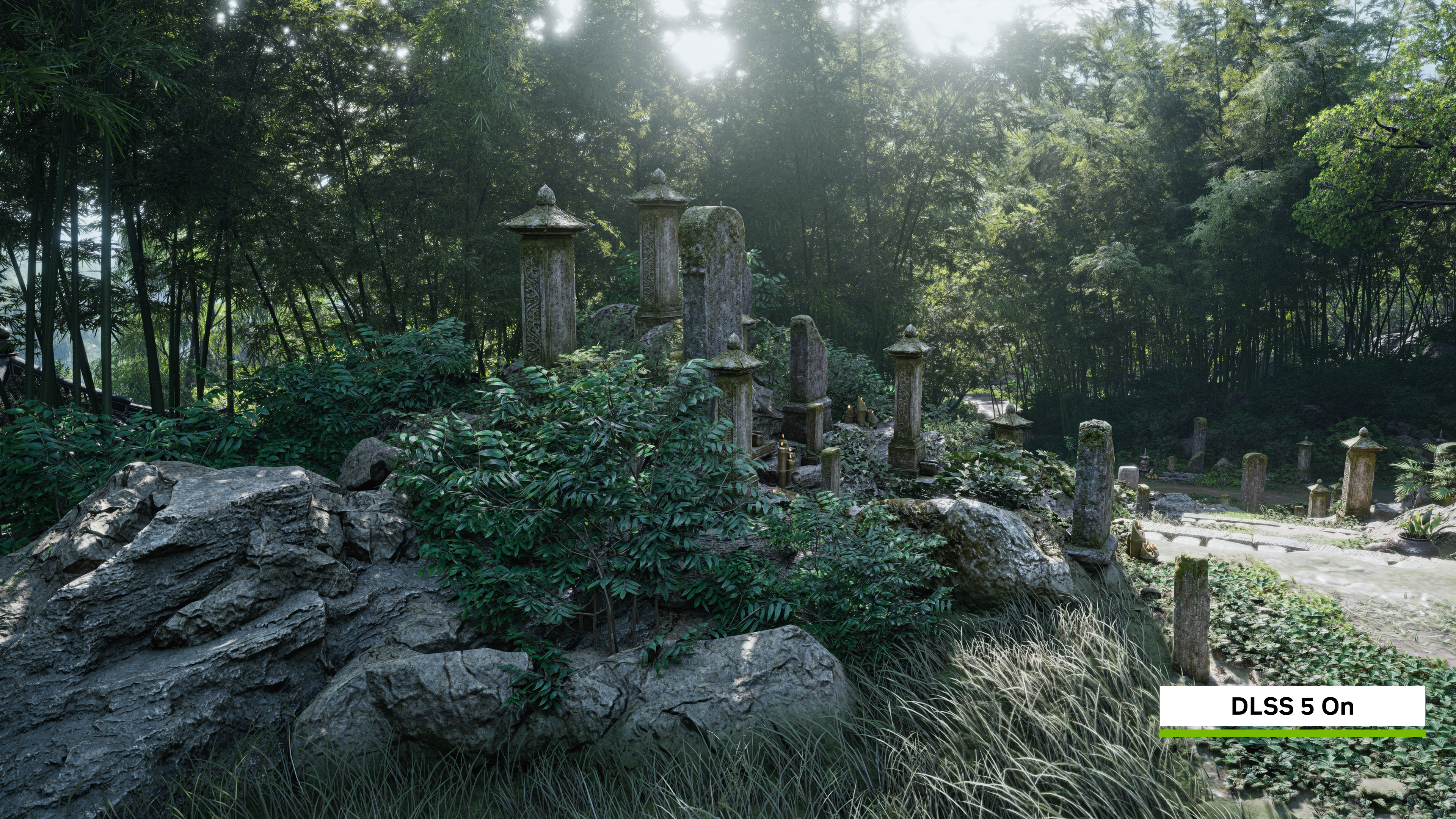
Image: Nvidia
Nvidia's side
Nvidia hadn't commented as of November 19, and the 621.24 release notes list no open issues. It has fixed a similar logging problem before: driver 471.96 in 2021 stopped a different Nvidia log file from growing out of control.
AMD's version of this bug, in its External Events Utility, wrote smaller amounts but ran for over a year on some PCs. One user lost about 1% of SSD health a month. AMD fixed it on RX 7000 and RX 9000 cards in Adrenalin 26.11.1 on November 12.
What to watch
Watch for Nvidia adding the bug to its known-issues list and for a hotfix driver. Until then, if you're on 621.14 or 621.24, a quick check in Resource Monitor will tell you whether your PC is affected.