The short version
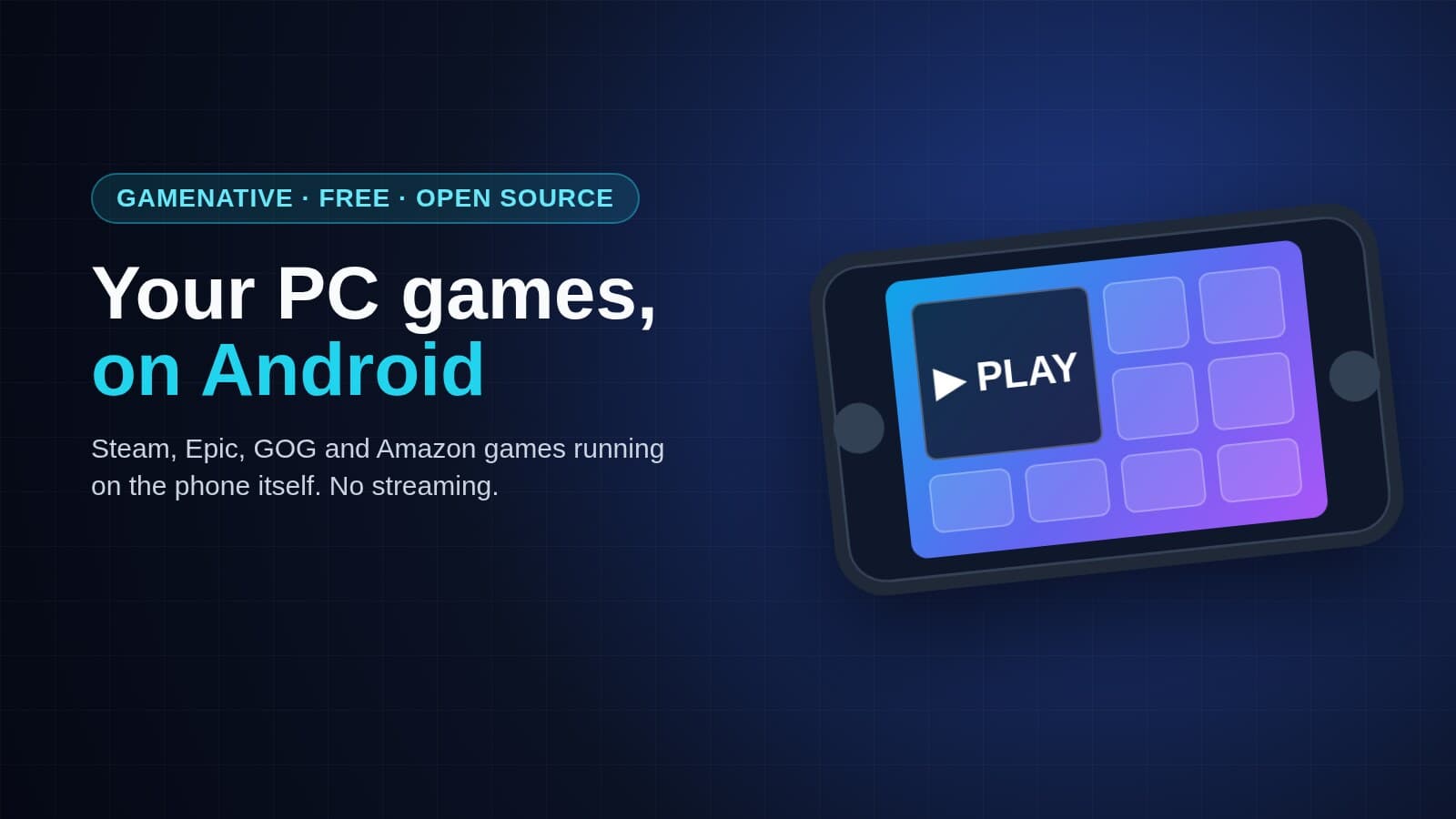
- GameNative is a free Android app that runs PC games you already own on your phone or handheld.
- You sign in to Steam, Epic, GOG or Amazon, download a game, and it runs on the device itself. No cloud, no subscription.
- It's open source and popular: more than 10,000 stars on GitHub.
- It's still early. Not every game runs, and some need settings changed first.
What it does
Most ways of playing PC games on a phone stream them from a PC or a cloud server. GameNative doesn't. It downloads the actual Windows game to your phone and runs it there, using a compatibility layer built on Wine, the tool that lets Windows software run on other systems. The project started as a fork of an app called Pluvia, with Winlator doing the heavy lifting underneath.

Your saves sync through the cloud, so you can pick up on PC where you left off on the phone. There's a touch-control editor with an on-screen overlay, plus controller support. Steam DLC, Workshop items and beta branches work too.
What runs, and what doesn't

Lighter games are the safe bet. Tech Tactician tried it on a Snapdragon 8 Gen 3 phone at 720p in April. Caveblazers was fully playable and Trackmania Nations Forever ran well. Slay the Spire 2 worked only after loading a settings profile shared by other players. Noita launched but was too slow to play.
The usual problem cases:
- Games with anti-cheat or always-online checks
- Games that need their own launcher, like GTA V
- Big, demanding new releases on mid-range phones
The site keeps a compatibility list worth checking before you download anything large.
Getting it
It's free, with no subscription. There's a beta on the Google Play Store, or you can install the APK from gamenative.app. Stick to those two sources: unofficial copies of an app that holds your Steam login aren't worth the risk. Signing in with a QR code from the Steam mobile app means you never type your password into GameNative itself.
The app can collect anonymous usage data to help with compatibility, and you can turn that off. The project's disclaimer says it's only for games you legally own.
Video guides
Setting it up is easier to follow on video. Three worth a look:
- GameNative's own demo, linked from the project's GitHub page
- GameNative: Complete Beginner's Guide
- GameNative - Steam, Epic, GOG & Amazon Games on Android!
What to check first: the compatibility list, and how much free storage your phone has. PC games are big.
Images: Zerocade.