The short version
- Frame generation creates extra frames between the ones a game actually renders, so the frame counter can double or more.
- Those extra frames make motion look smoother, but the game only reacts to your buttons on real frames. A 30fps game with frame gen looks like 60fps and still responds like 30fps, or a bit worse.
- Stellar Blade on Switch 2 does exactly this: a 30fps base doubled to 60 with AMD's FSR 3. Digital Foundry says it runs at about 35-45fps with frame gen off, and suggested a 40fps mode would have been the better choice.
- On a 120Hz screen like the Switch 2's, 40fps is a sweet spot: much more responsive than 30, and perfectly even.
The Stellar Blade case
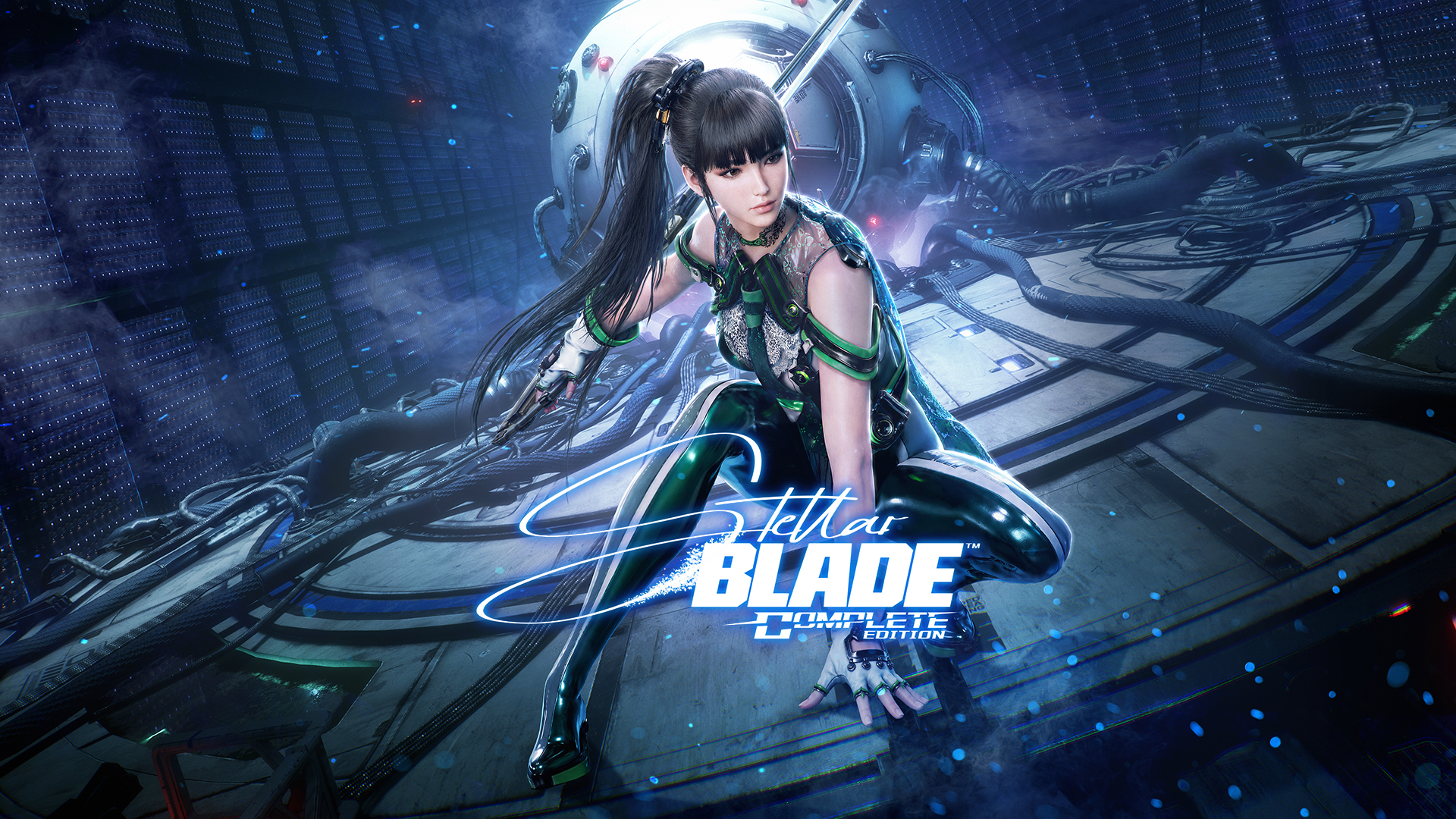
Stellar Blade Complete Edition arrived on Switch 2 on November 5 at $59.99 (about ₹5,300). Nintendo doesn't sell the Switch 2 officially in India, so there's no local price. Shift Up's port uses two tricks at once. Nvidia's DLSS upscales the image, and AMD's FSR 3.1 frame generation, running in software, adds the extra frames. The Switch 2's version of DLSS doesn't include frame generation, which is why the game borrows AMD's.
Shift Up's CTO said the game targets 30fps internally and generates frames to reach 60.
Digital Foundry's analysis, published November 7, found:
- Docked, the internal resolution is about 540p with frame gen on, and about 648p with it off.
- In handheld mode it drops to around 360p internally. Shift Up had earlier said handheld runs at native 720p, so the two accounts don't match.
- With frame gen switched off, the game runs at about 35-45fps, and the Switch 2's variable refresh rate in handheld mode smooths that out.
DF called it a better port than expected, and frame gen "not a bad choice" given the hardware. But it suggested a 40fps cap might feel better. The game has no 30 or 40fps cap at all, just frame gen on by default and a toggle to turn it off, which Shift Up added after demo players complained.

Image: SHIFT UP / Sony Interactive Entertainment
How frame generation works
Here's what happens, step by step:
- The game renders two real frames, frame A and then frame B. These are usually upscaled first with DLSS or FSR.
- It works out how everything moved between A and B. It uses motion vectors that the game supplies for each pixel, plus optical flow, which compares the two images directly to catch things motion vectors miss, like particles, reflections and shadows.
- It builds a new frame halfway between them and shows it, then shows frame B.
Step 3 is where the catch hides. To build a frame that sits between A and B, the system needs B to exist already. So frame B is finished but held back while the generated frame goes on screen first. AMD's own documentation says it plainly: interpolating a frame adds latency, by design.
The generated frame also knows nothing about what you just pressed. It's a guess built from two frames the game already made. Your input only shows up when the next real frame arrives.
Smooth isn't the same as responsive
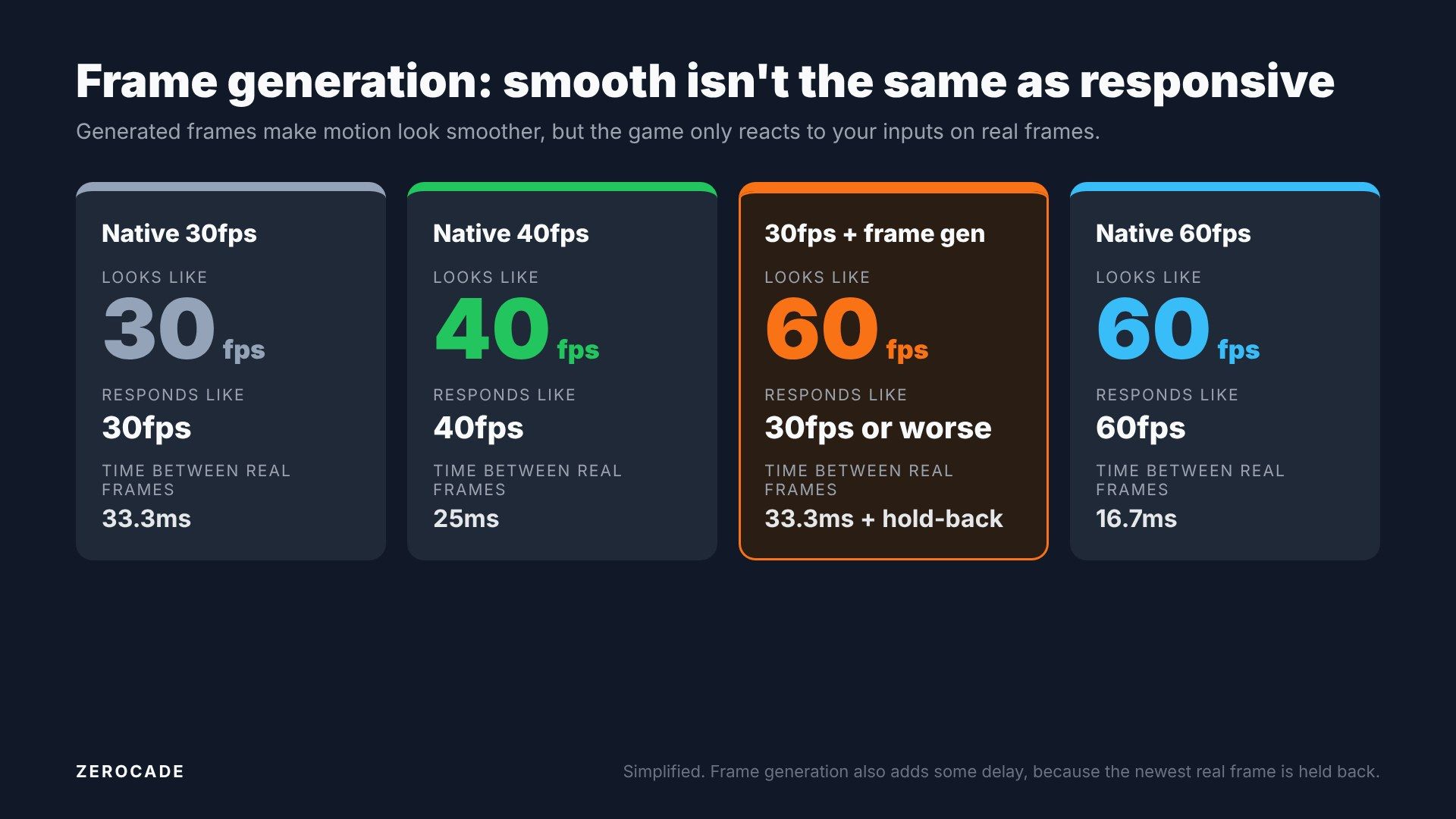
Image: Zerocade
Hardware Unboxed measured this when Nvidia's first frame generation launched in 2022. In Cyberpunk 2077:
| Setting | Frame rate | Total latency |
|---|---|---|
| Native, Reflex on | about 42fps | about 64ms |
| DLSS Quality | 72fps | 47ms |
| DLSS Quality + frame gen | 112fps | 63ms |
Frame gen took the counter from 72 to 112fps, but latency went from 47ms to 63ms. At 112fps, it responded about like the game did at 42fps. Their conclusion was blunt: frame-gen frames aren't comparable to normal frames.
The rule both Nvidia and AMD point to
Frame generation works best when the base frame rate is already decent. AMD recommends at least 60fps before frame gen and says it will work from 30fps, but frame pacing may suffer. Intel's version wants at least 40fps. Nvidia doesn't publish a strict number.
So Stellar Blade on Switch 2 starts at half of AMD's recommended base. That's why reviewers called the handheld mode sluggish in busy fights, even with 60 on the counter.
Low base frame rates also make the visual side-effects easier to spot:
- UI and text can smear or wobble, because the HUD gets interpolated along with the scene.
- Camera cuts and newly revealed areas can turn blurry for a split second, since there's no data from the previous frame.
- Fast-moving edges can flicker or ghost.
The frame generation tech you'll see
| Tech | Maker | Launched | Works on | What it does |
|---|---|---|---|---|
| DLSS 3 Frame Generation | Nvidia | October 2022 | RTX 40 and 50 | One generated frame per real frame |
| FSR 3 Frame Generation | AMD | September 2023 | Most modern GPUs and consoles | One generated frame; needs the game to add it |
| AFMF | AMD | January 2024 | Radeon RX 6000 and newer | Frame gen in the driver, for any DX11/DX12 game |
| DLSS 4 Multi Frame Generation | Nvidia | January 2025 | RTX 50 | Up to three generated frames per real frame |
| FSR Redstone frame gen | AMD | December 2025 | Radeon RX 9000 | AI-based frame gen with fewer artifacts |
| DLSS 4.5 (6X, Dynamic MFG) | Nvidia | March 2026 | RTX 50 for 6X | Up to five generated frames; adjusts the multiplier automatically |
Nvidia pairs frame gen with Reflex, and AMD with Anti-Lag, to claw back some of the added delay. They help, but they can't make a 30fps base feel like 60. If you want the background on upscaling itself, our DLSS explainer covers it.
Why 40fps is the sweet spot on 120Hz
Here's the maths that makes 40fps special:
- 30fps means a new frame every 33.3ms.
- 60fps means one every 16.7ms.
- 40fps means one every 25ms, exactly halfway between the two in frame time.
On a 120Hz screen, each 40fps frame stays up for exactly three refreshes, so motion is perfectly even. On a 60Hz screen, 40fps can't divide evenly and looks juddery, which is why you only see 40fps modes on 120Hz displays.
Sony's studios proved the idea on PS5. Ratchet & Clank: Rift Apart added a 40fps Fidelity mode for 120Hz TVs in June 2021, and Horizon Forbidden West added a 40fps Balanced mode in July 2022. Valve built a 40Hz setting into the Steam Deck, calling it a sweet spot for responsiveness and smoothness.
The Switch 2 has a 120Hz screen with variable refresh rate in handheld mode, and supports 120Hz output to TVs at 1080p and 1440p. That's exactly the setup where a 40fps cap shines, and why Digital Foundry asked for one.
What to do as a player
If a game offers frame generation, look at the base frame rate first. If the game already runs near 60fps, turning frame gen on can make it look noticeably smoother with little downside. If the base is around 30, try it off; in Stellar Blade on Switch 2, that gives you roughly 35-45fps with lower lag.
And if a game ever adds a 40fps mode and you have a 120Hz screen, give it a try.